Skip to content

SerialX · for brands, manufacturers and retail

SerialX

Every product, a live page.

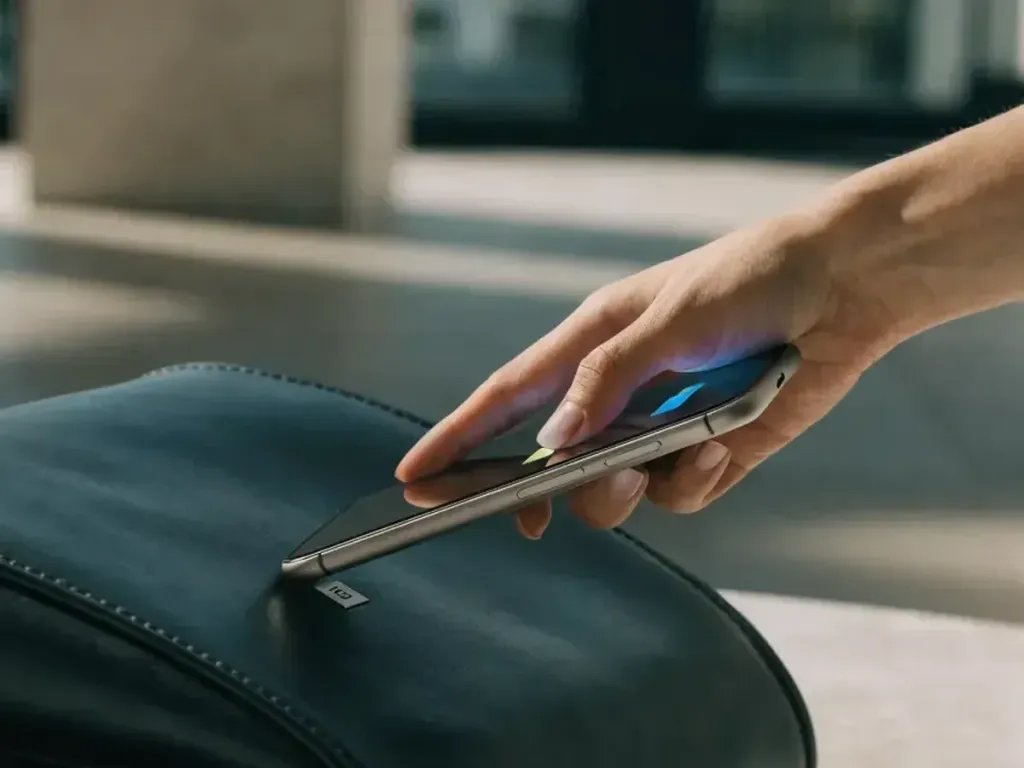
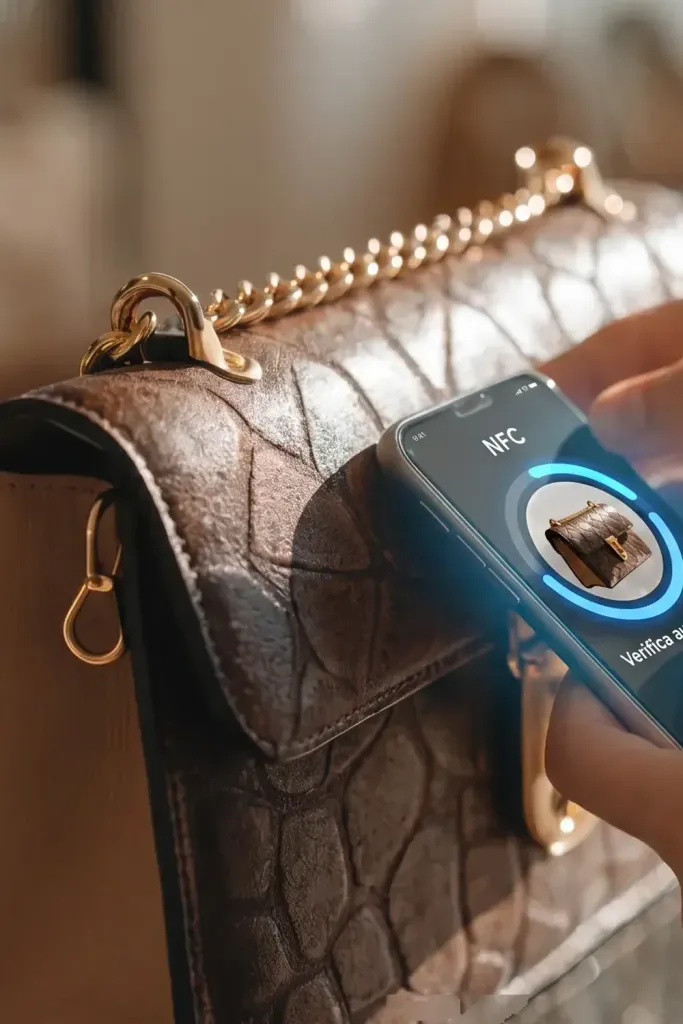
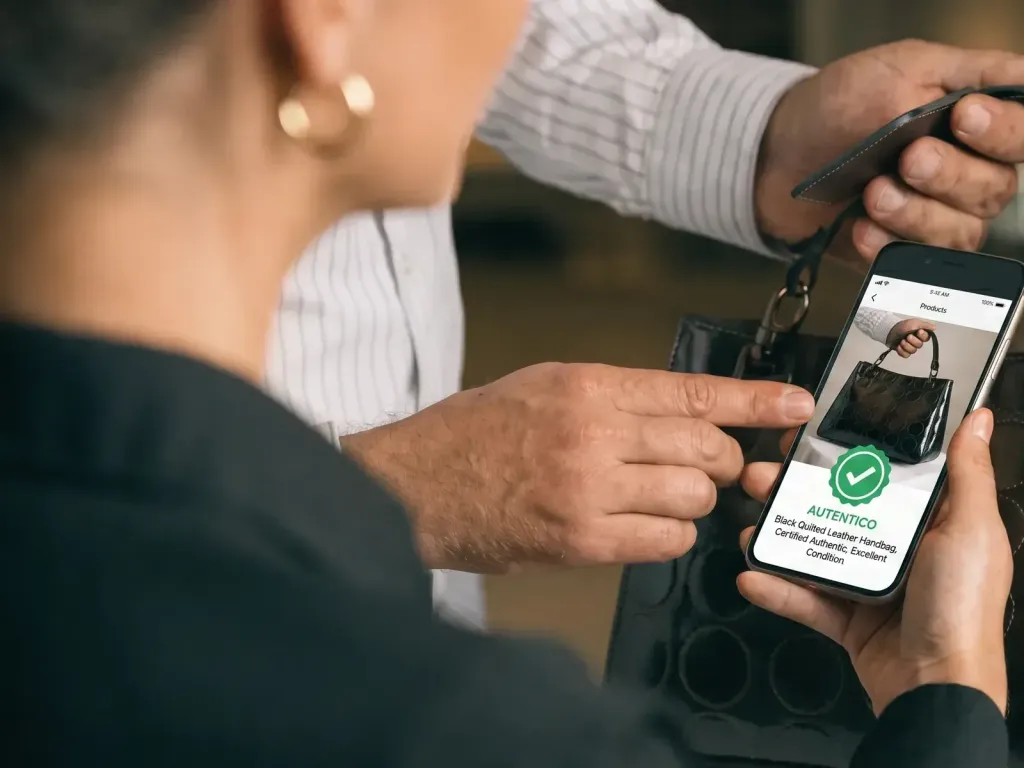
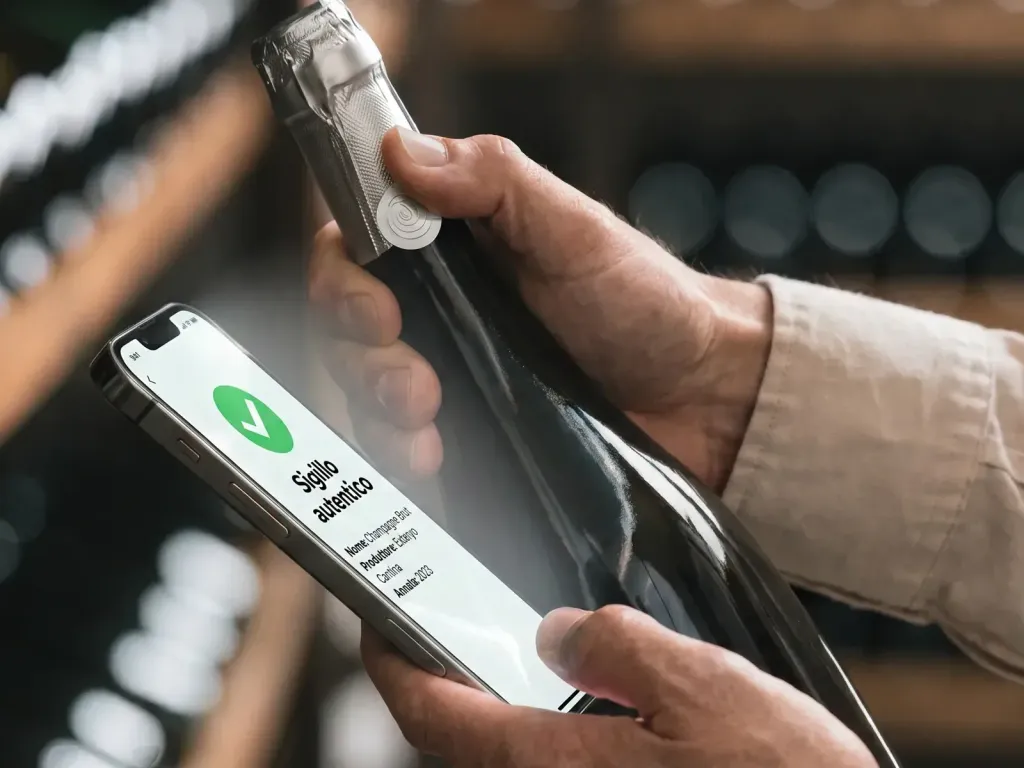
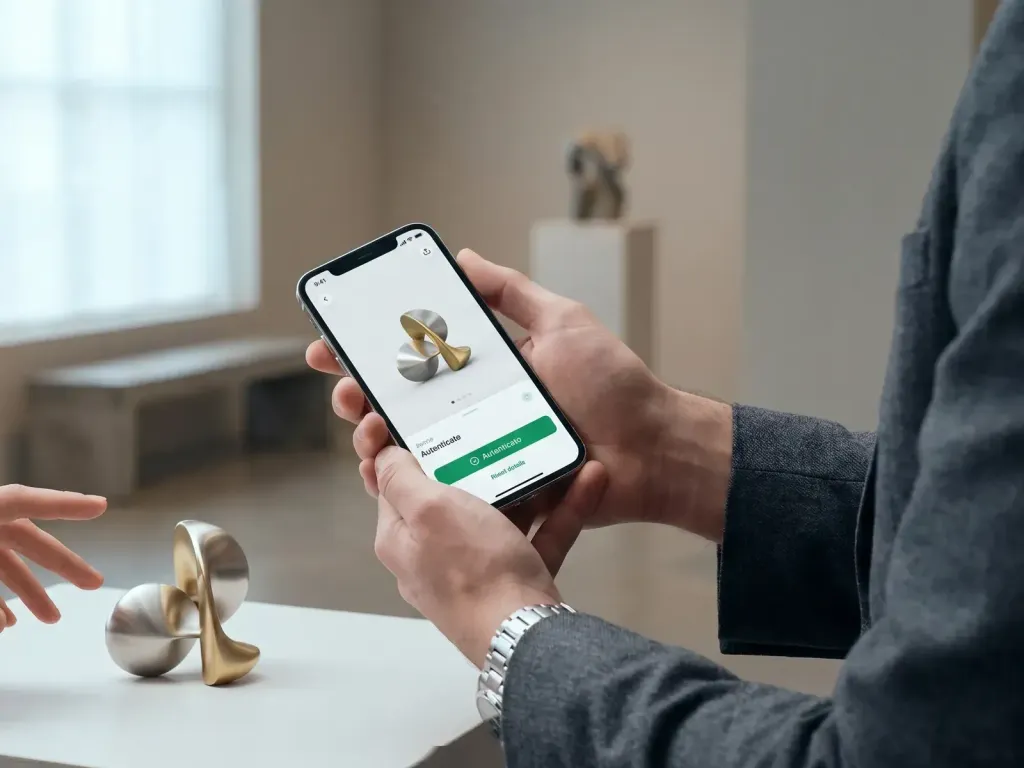
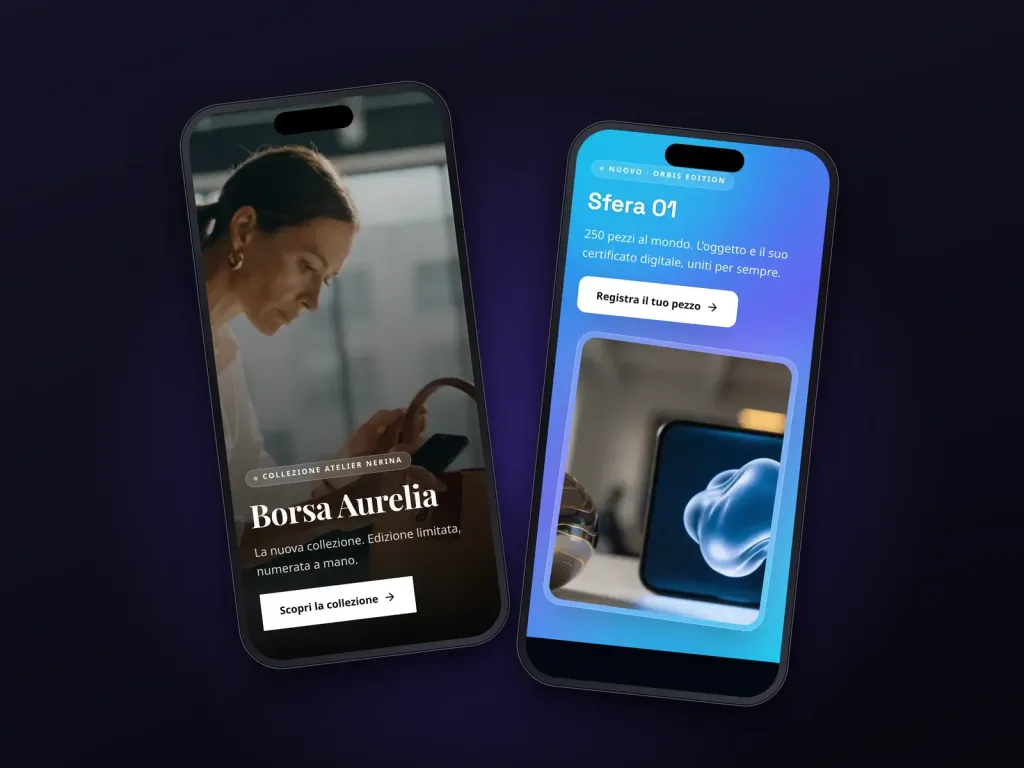
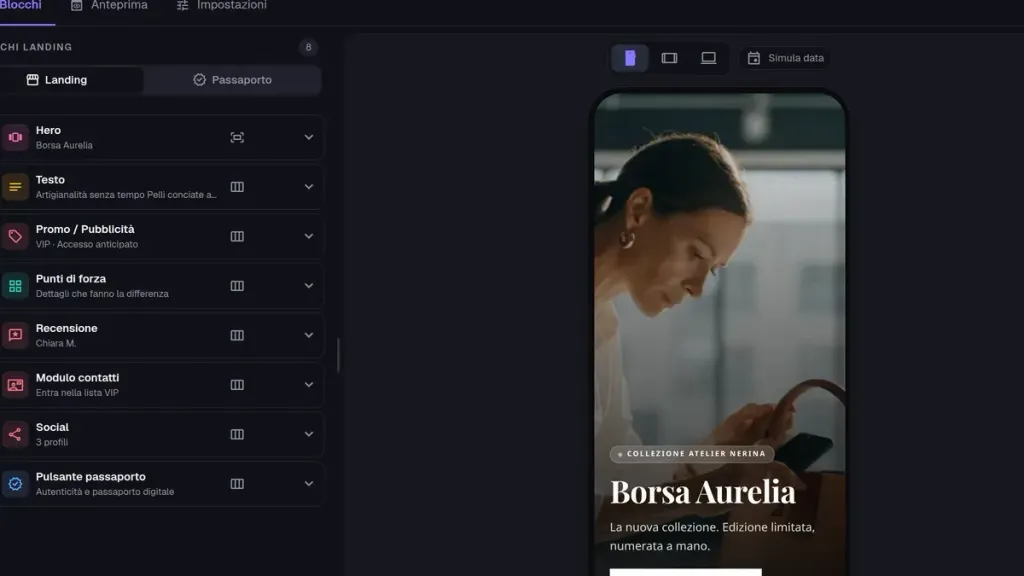
A unique code for every single item via a QR code or NFC tag. Anyone tapping it with a phone opens its page: the story, digital passport, and current promotions. And you can update it whenever you want using the block editor.

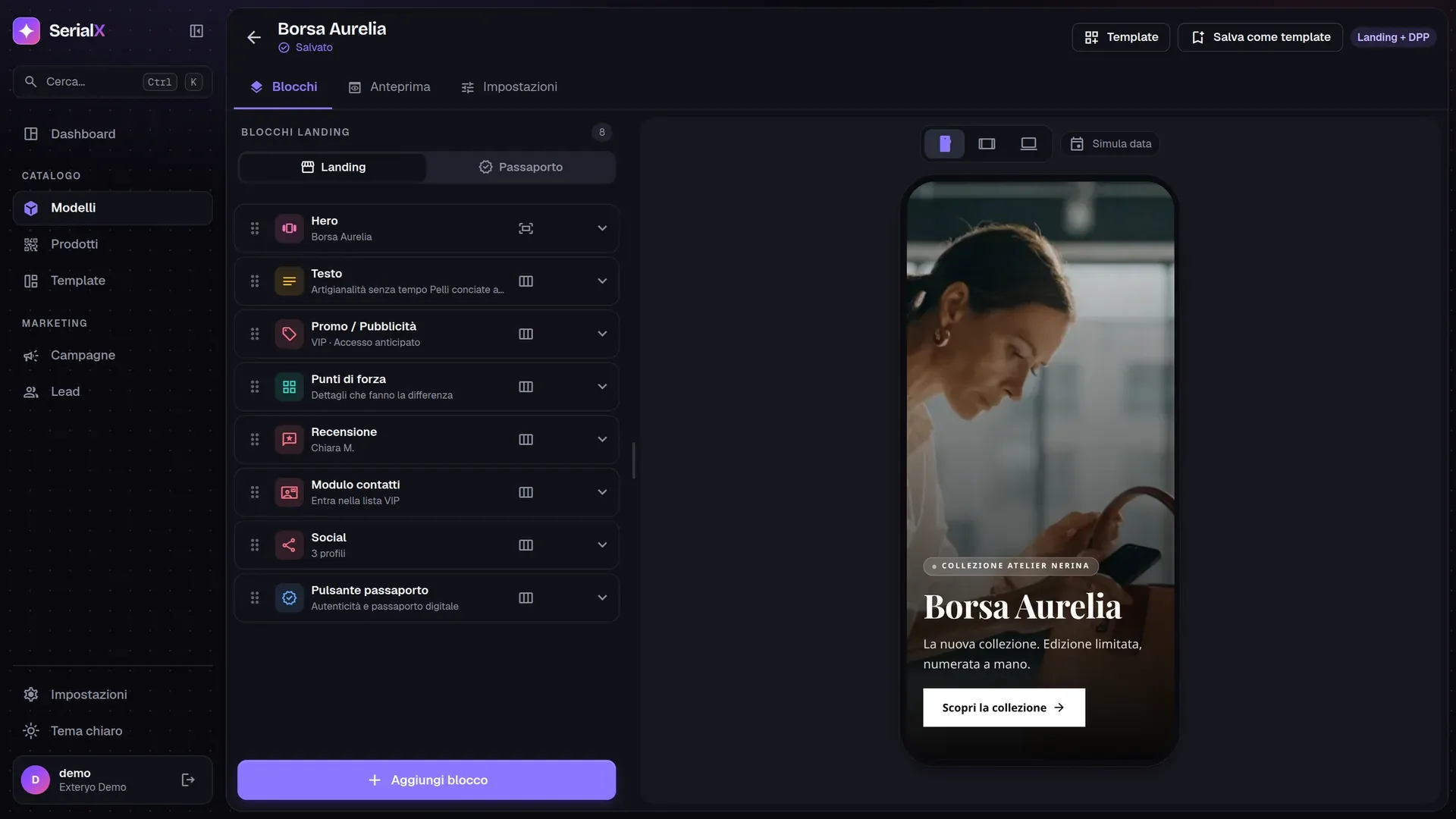
Screen of SerialX

Plans

A tailored quote for your products

Pricing depends on the number of serialized products and required features: we build it together during a demo.

  • Recommended

    SerialX

    Custom

    based on products and features

    The full platform: block showcase, digital passport, campaigns, leads and analytics across all your models.

    • 24 block types, 8 templates and 7 themes
    • Unique codes and print-ready QR codes
    • Campaigns and blocks scheduled between dates
    • Consented leads with CSV export
    • Dashboard tracking visits, devices and countries
  • NFC tags and labels

    From catalog

    Exteryo hardware

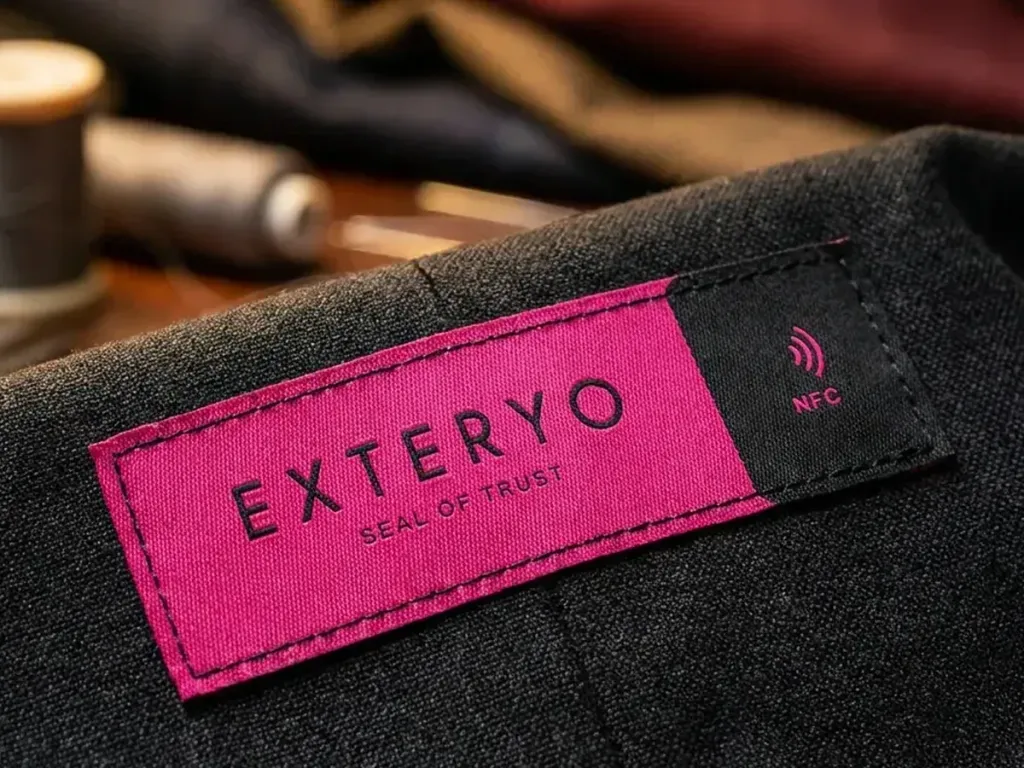
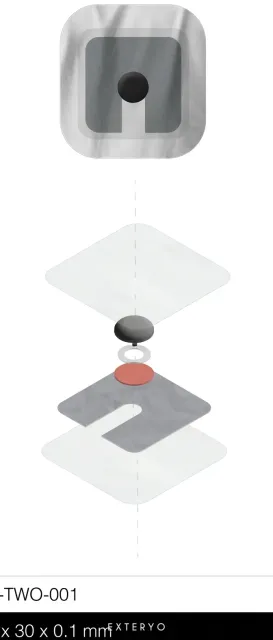
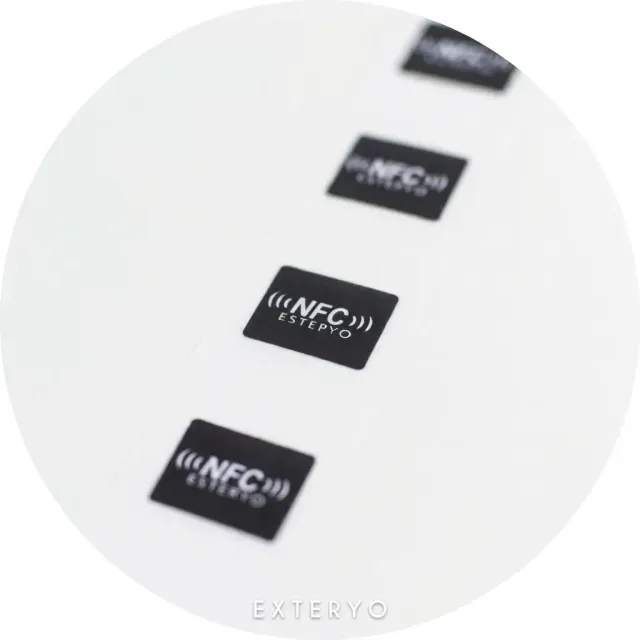
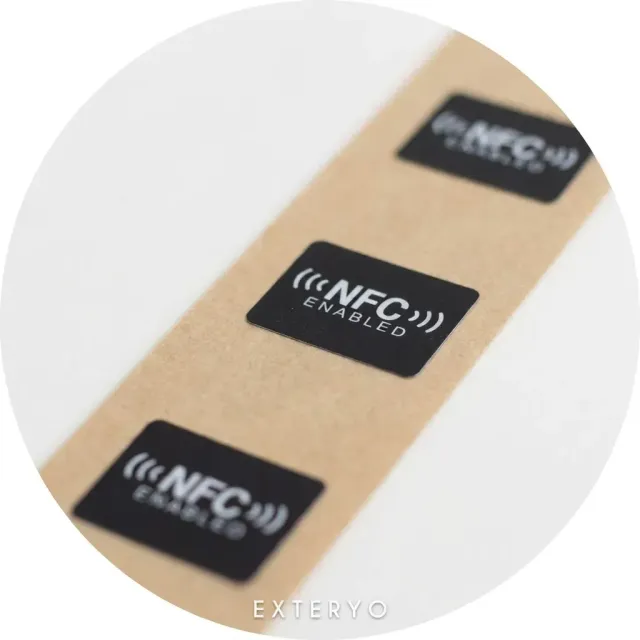
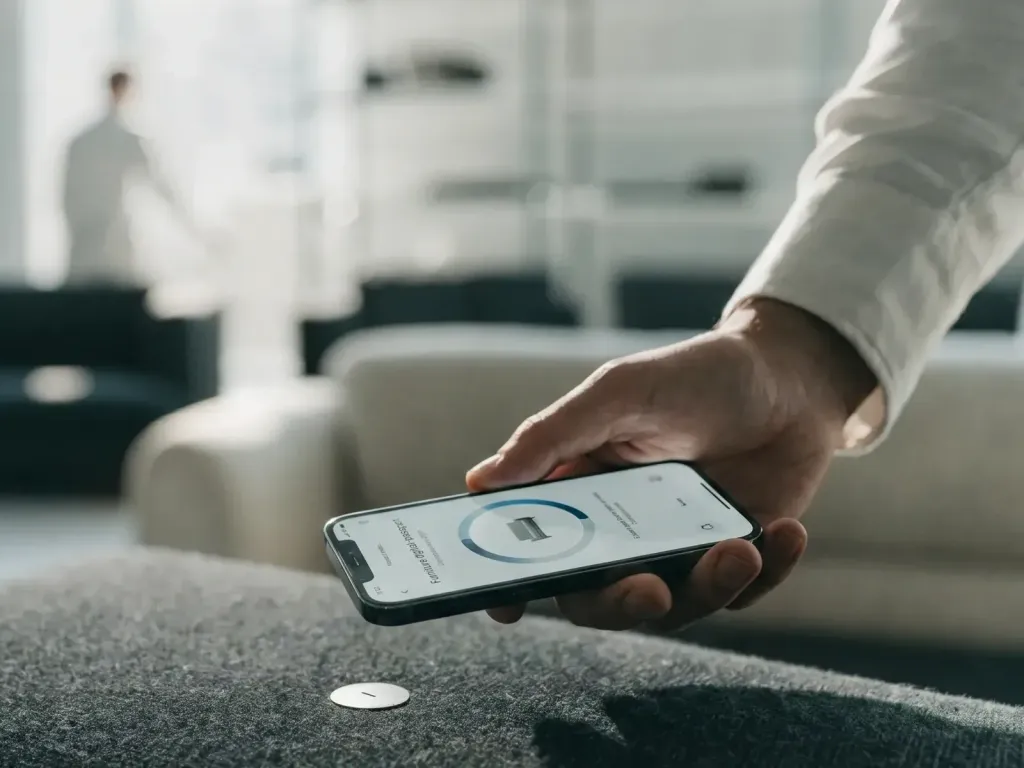
    Adhesive NFC stickers, micro tags and anti-metal tags to bring SerialX codes to any product alongside printed QR codes.

    • Adhesive NFC stickers in multiple sizes
    • Micro tags for labels and small items
    • Anti-metal tags for metal surfaces

Benefits

What changes from day one

The code stays fixed; the page grows alongside the product.

  • Block-based editing

    Start from a template, add the blocks you need, and publish.

  • Print once

    QR codes and NFC tags stay unchanged: update content whenever required.

  • Track insights

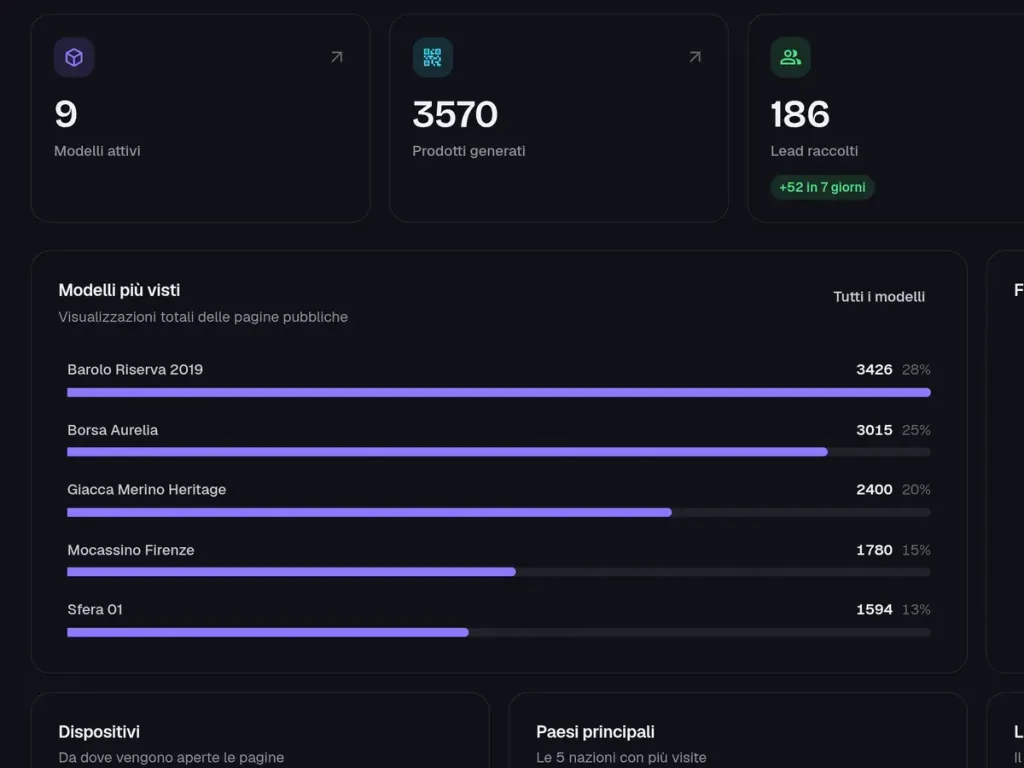
    Visits, devices, countries, and top-viewed models on a per-product basis.

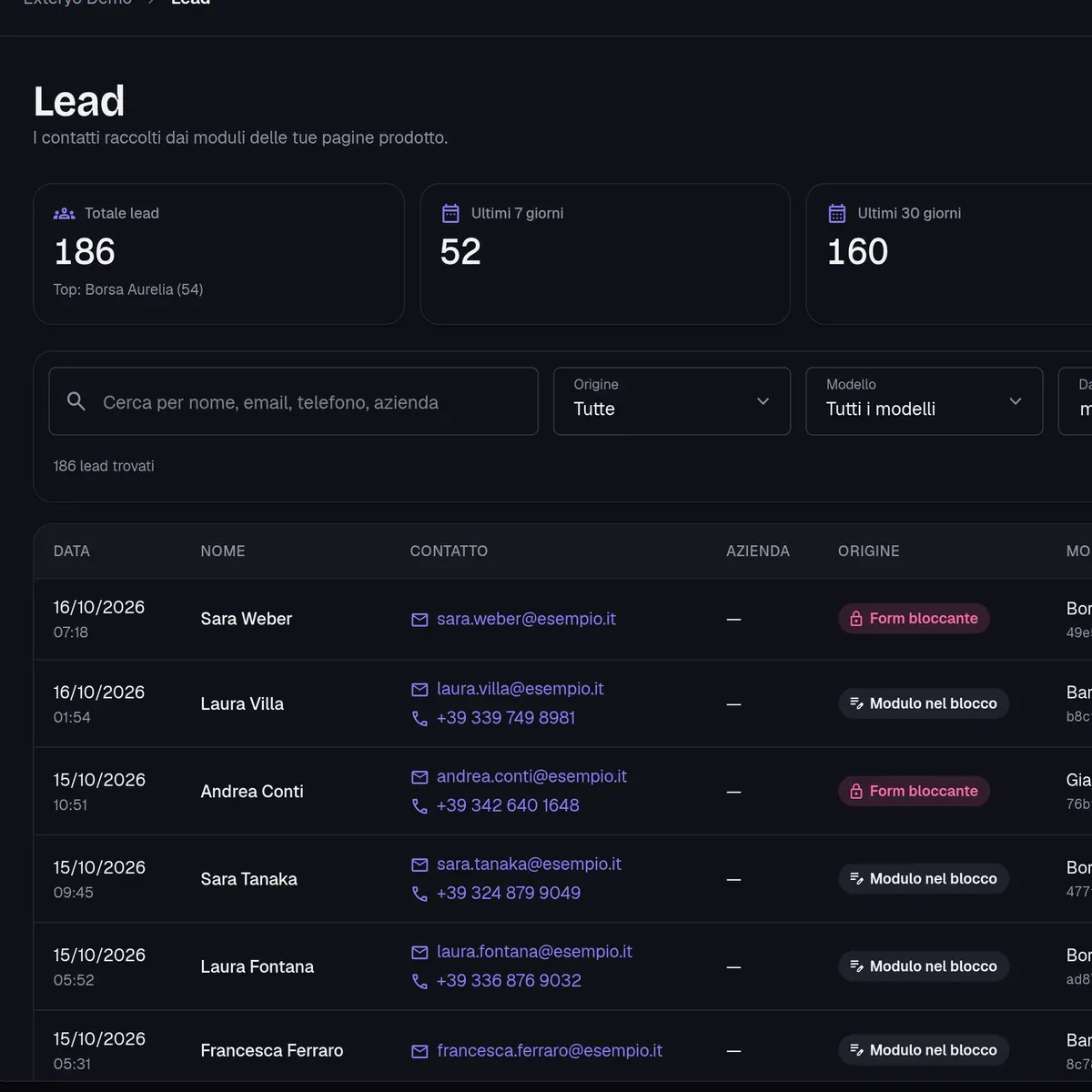
  • Turn scans into leads

    Inquiry forms and welcome popups feed consented leads straight to the platform.

Build pages exactly as envisioned

Select blocks, arrange them in any sequence, and view live edits across smartphone, tablet, and desktop previews. Save optimized layouts as templates to reuse across future products.

  • 24 block types

    Hero, text, video, carousels, promos, reviews, social feeds, contact forms and more.

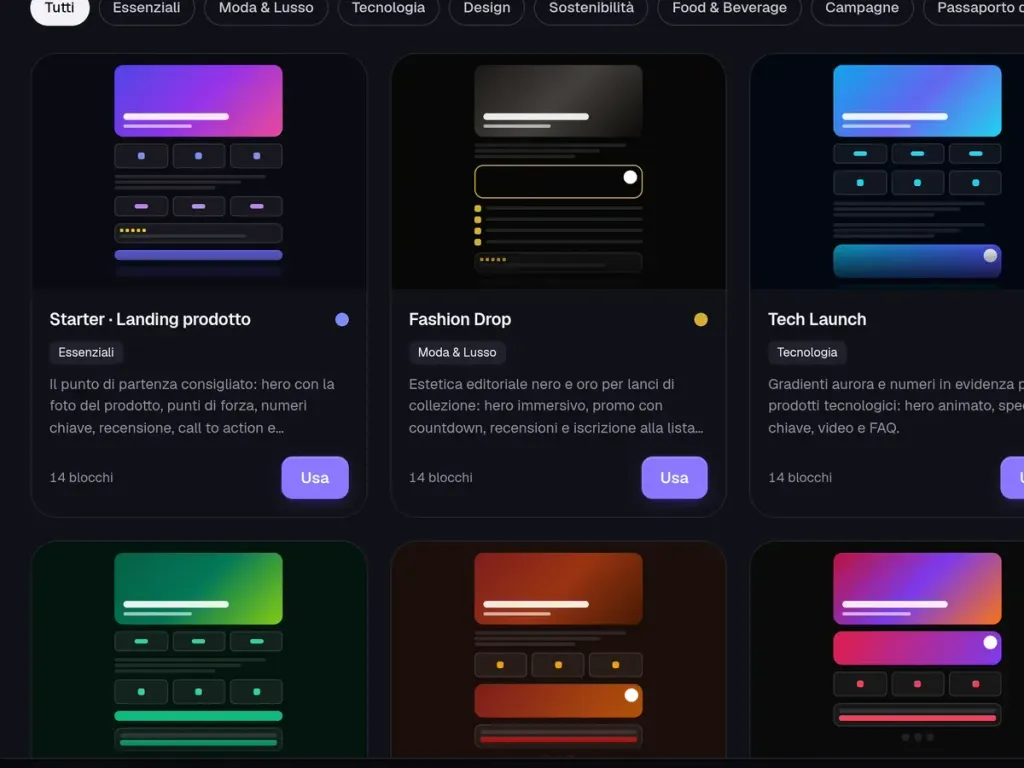
  • 8 templates and 7 themes

    Instantly adjust full-page styling and button themes with a single click; fonts configured separately.

  • Accurate preview

    View the exact public web page rendered on your target device type.

Integrated digital product passport

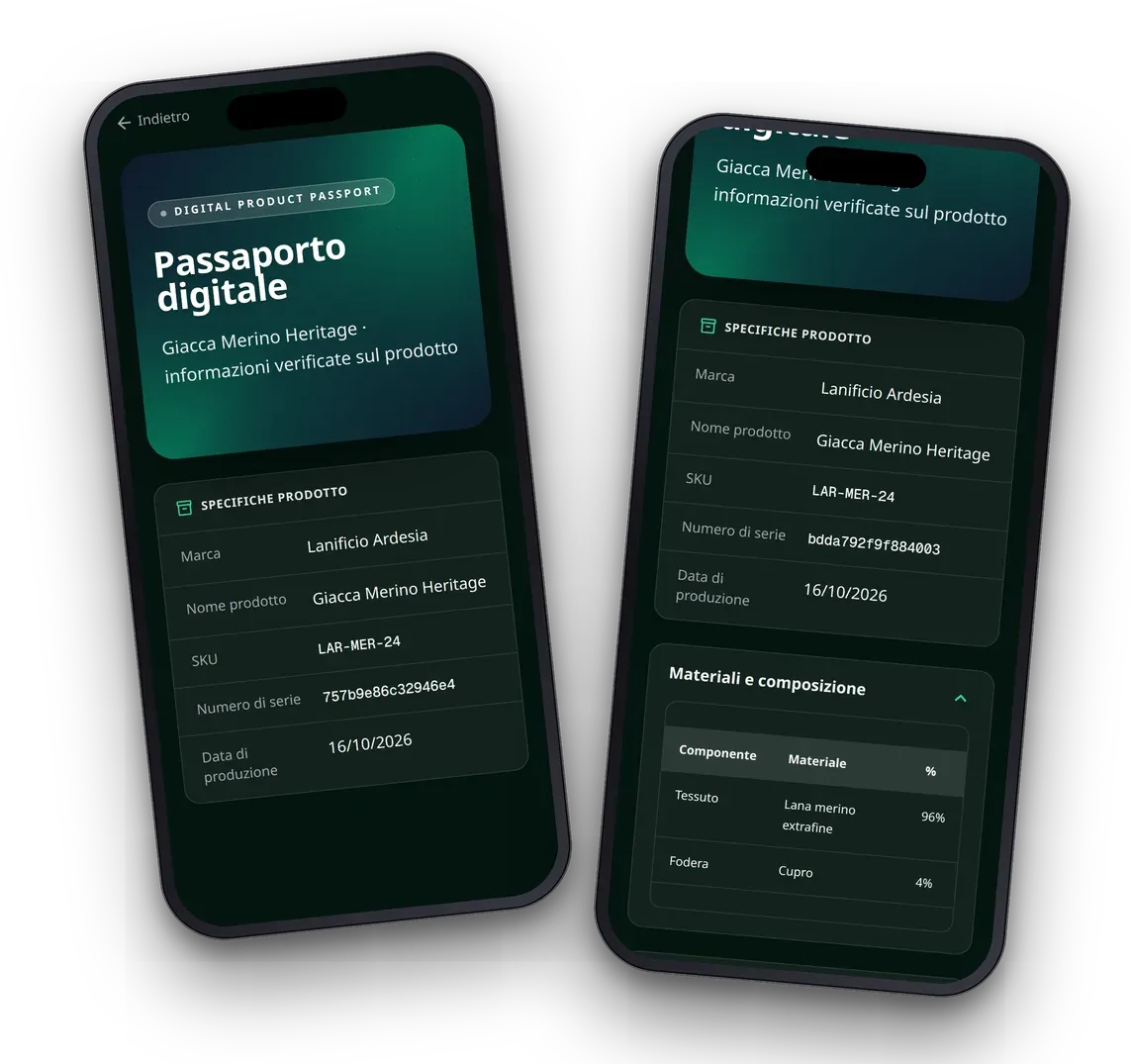
Every product includes a dedicated passport tab: brand, model, SKU, serial number, production date, materials, care rules, supply chain data and certificates. Visitors switch effortlessly between showcase and specifications.

  • Individual serial numbers

    Unique item identification paired with model specifications.

  • Materials, care, and compliance

    Data tables, care symbols, downloadables, and instruction manuals.

  • Seamless navigation

    Quick tab switching between the main showcase and official product specs.

One schedule, thousands of products

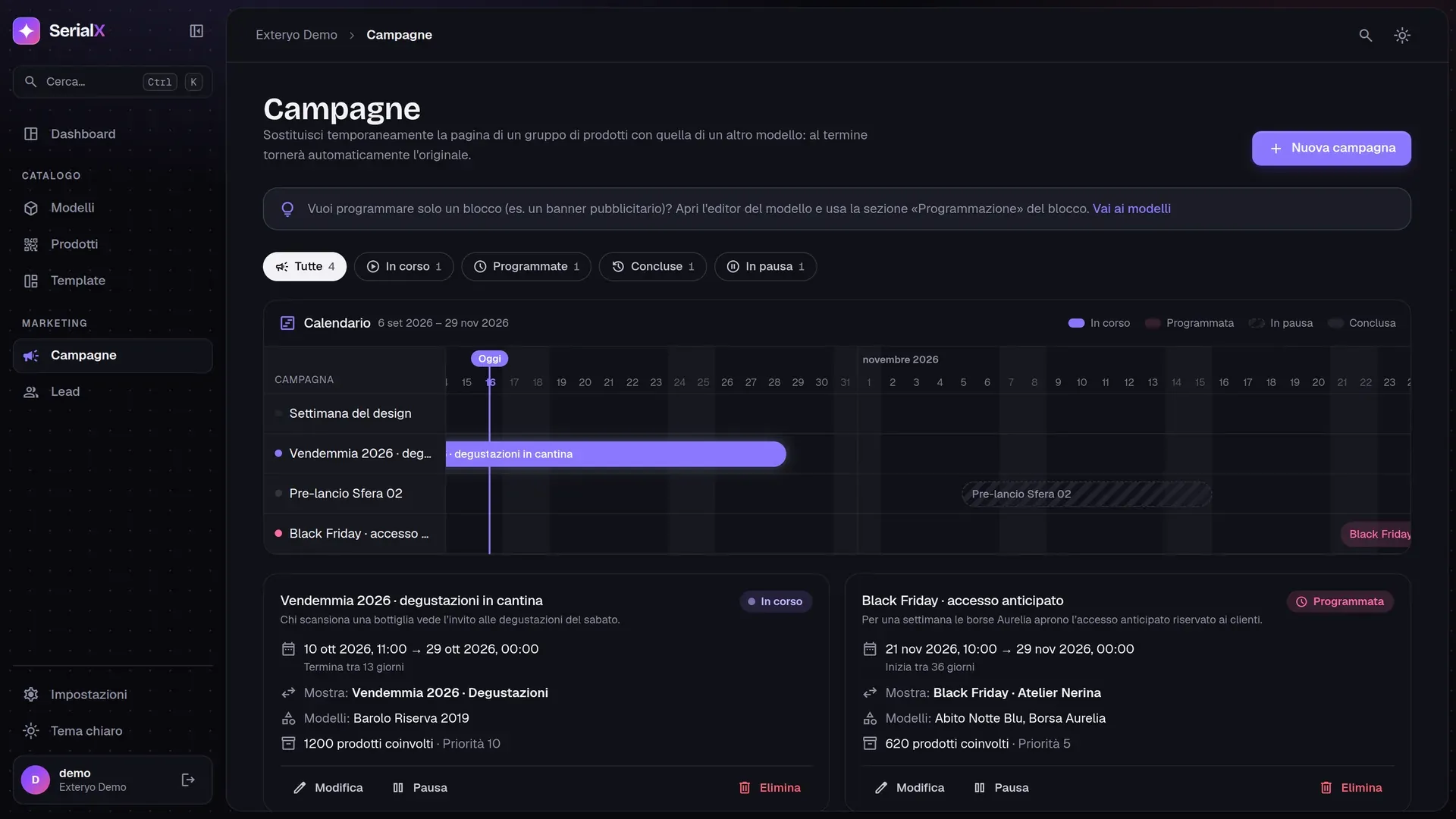
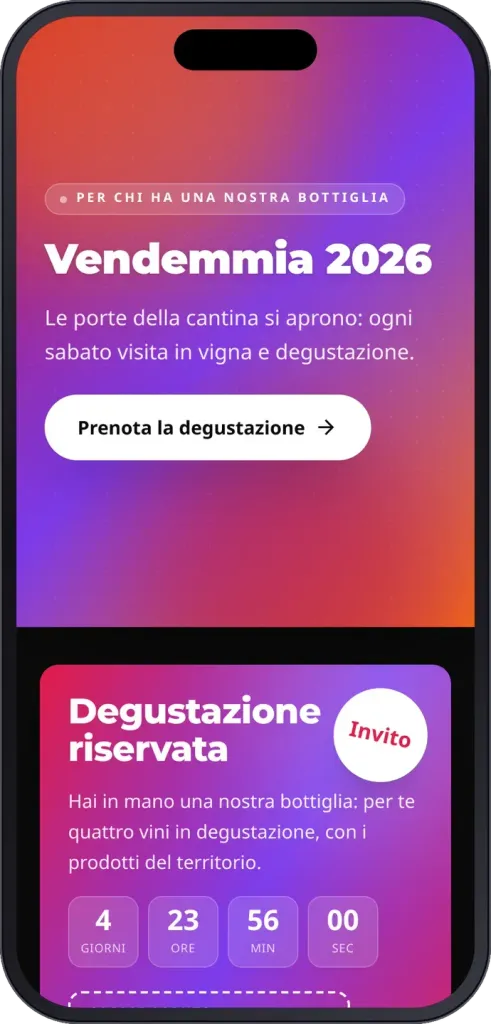
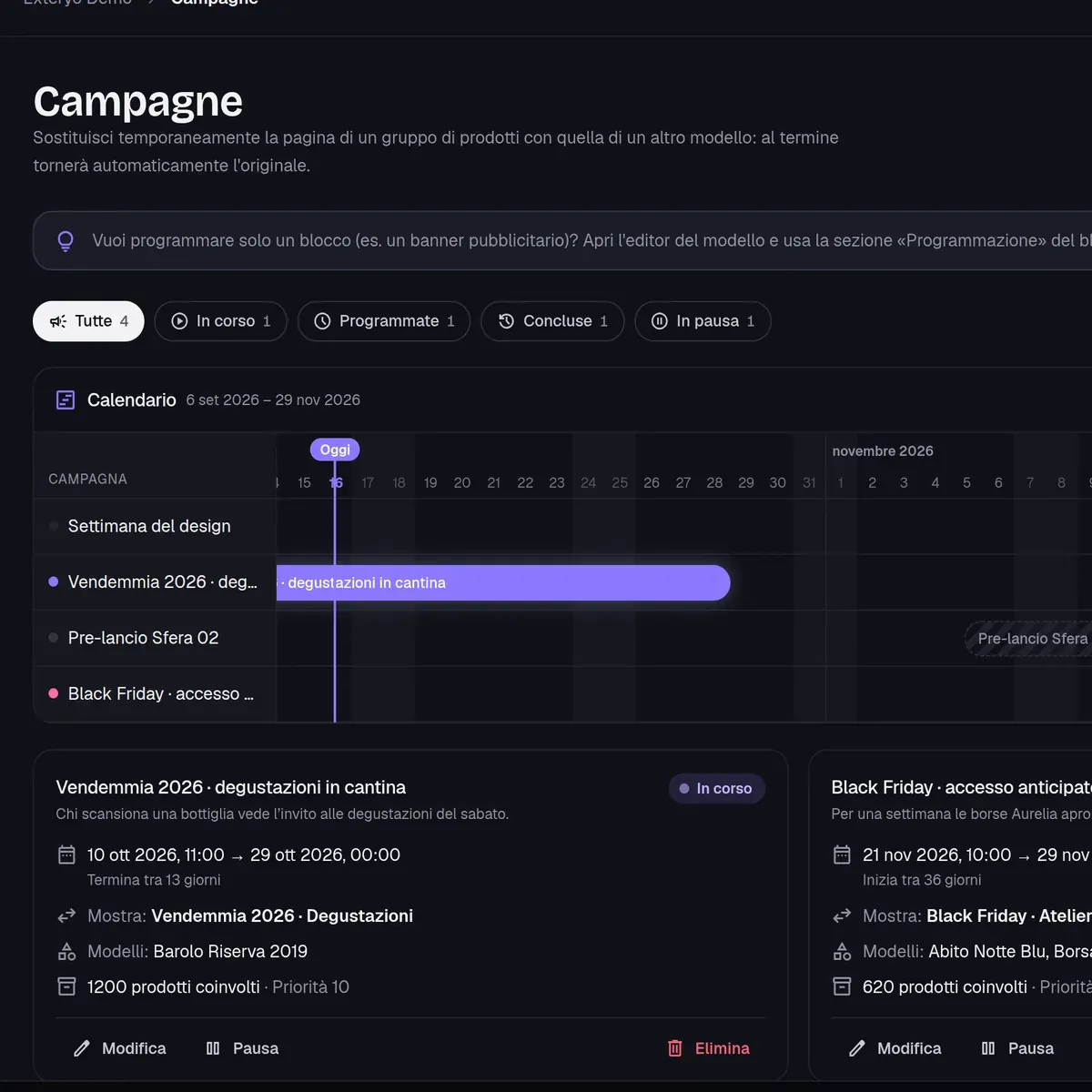
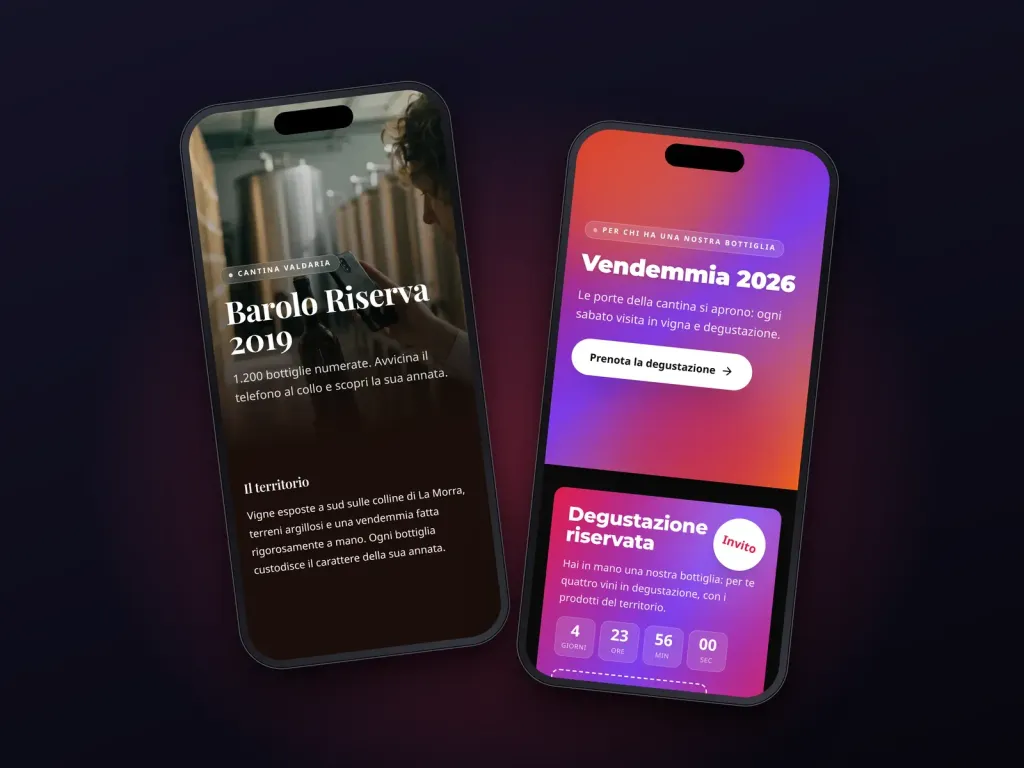
Launch time-limited campaigns that swap the landing experience for entire ranges or specific serial numbers—ideal for events, product launches or promotions. Pages automatically revert upon expiry.

  • Campaign schedule

    Active, scheduled, paused and ended campaigns managed with clear priority rules.

  • Block-level scheduling

    Schedule a temporary banner to appear or override another block during specific dates.

  • Date simulation

    Preview exactly how product pages will render on future dates.

Platform

Complete platform control at a glance

Models, identifiers, templates, campaigns and leads managed within a unified workspace.

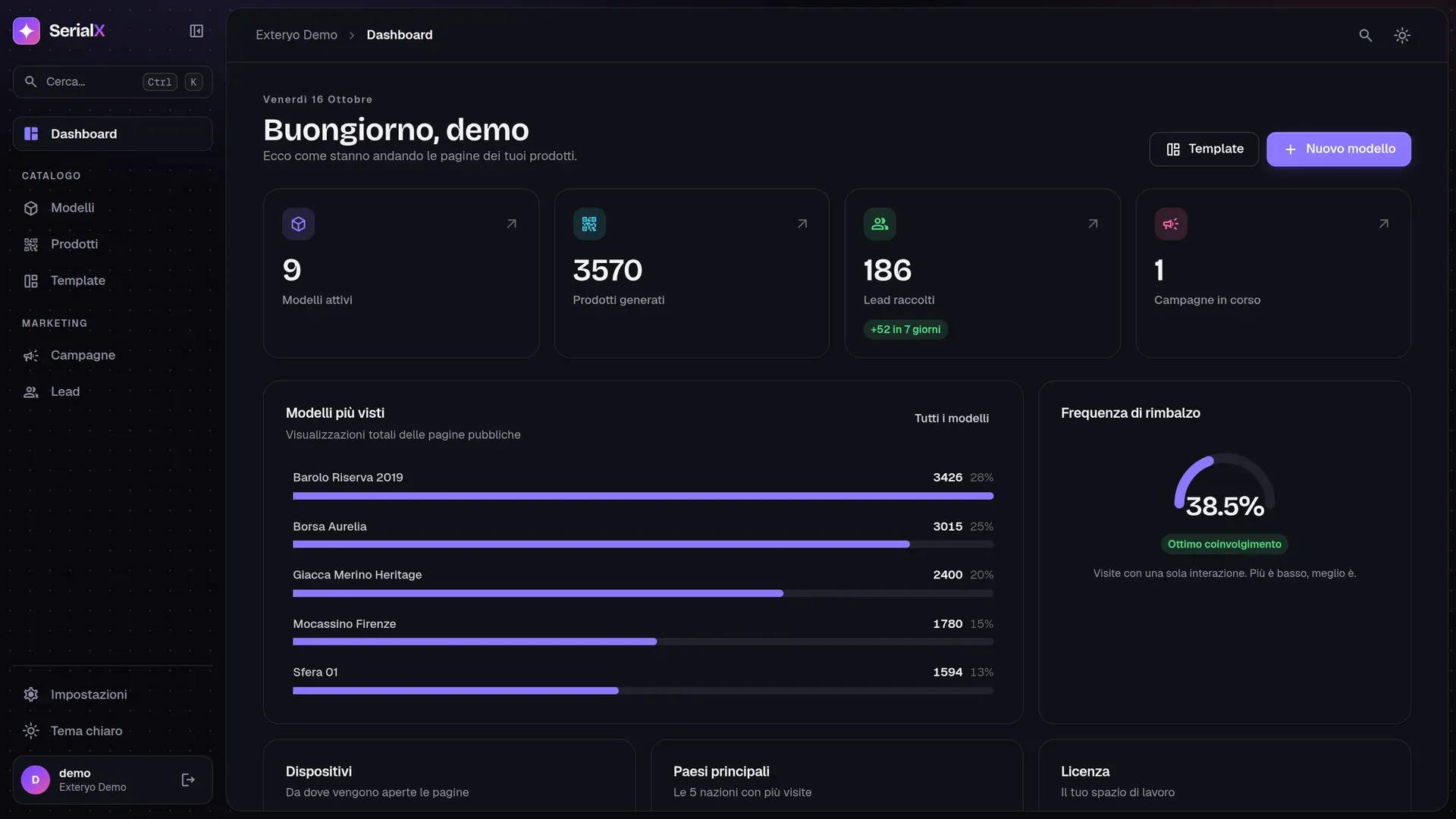
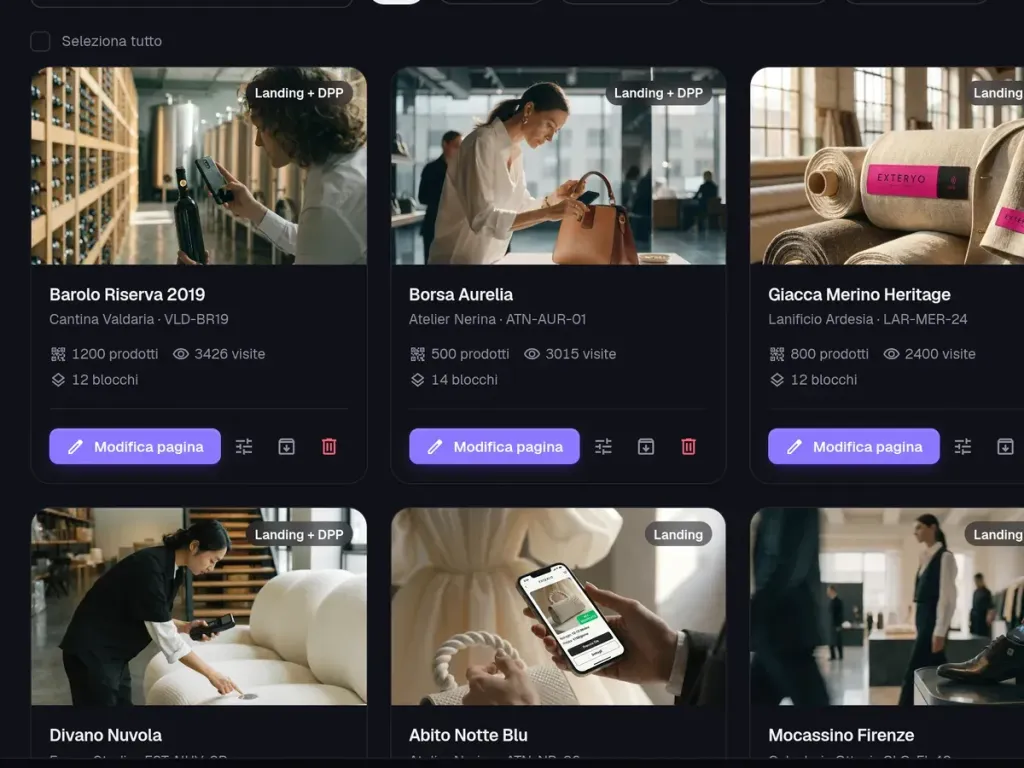
  • Dashboard: models, products, leads, and traffic
    Dashboard: models, products, leads, and traffic
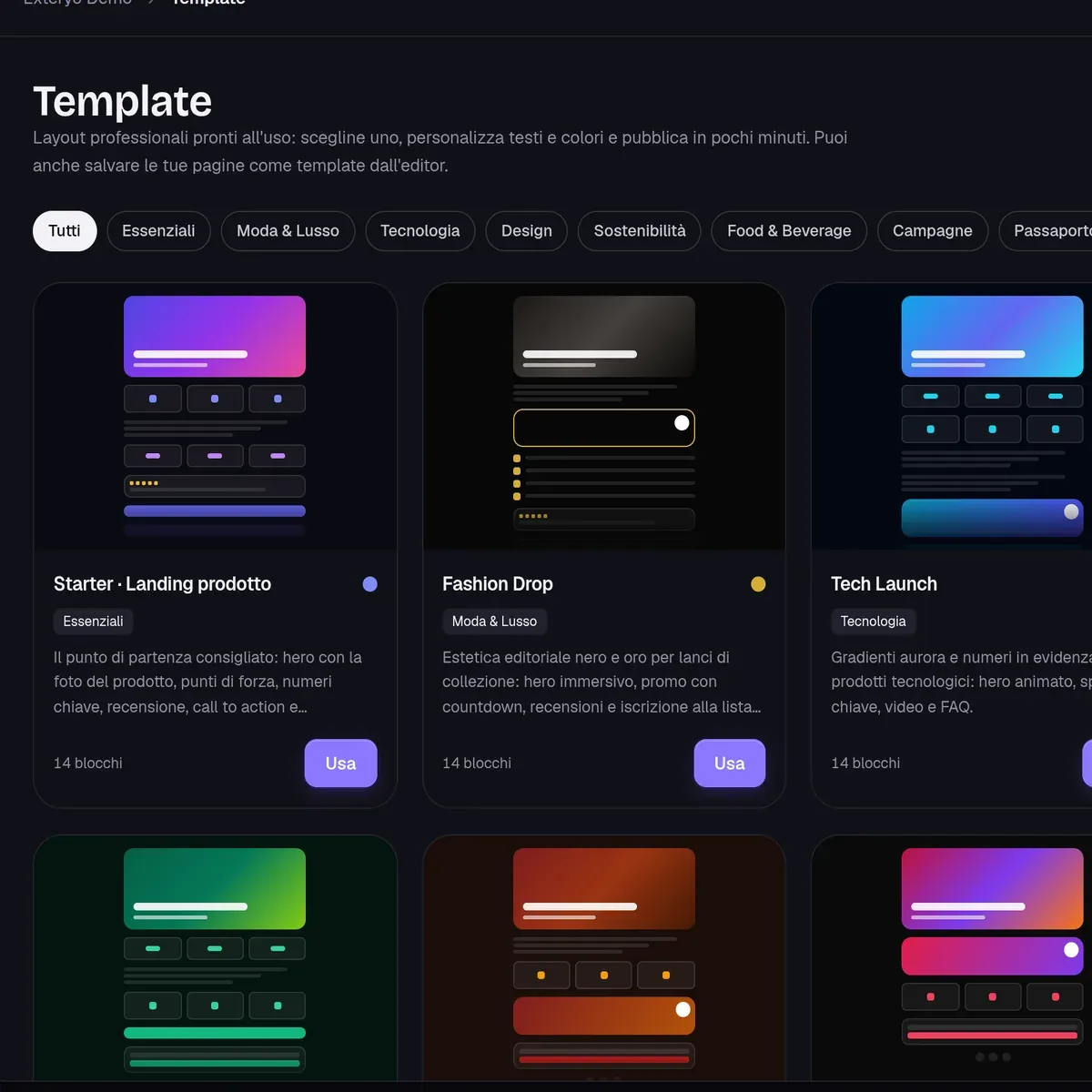
  • Template gallery
    Template gallery
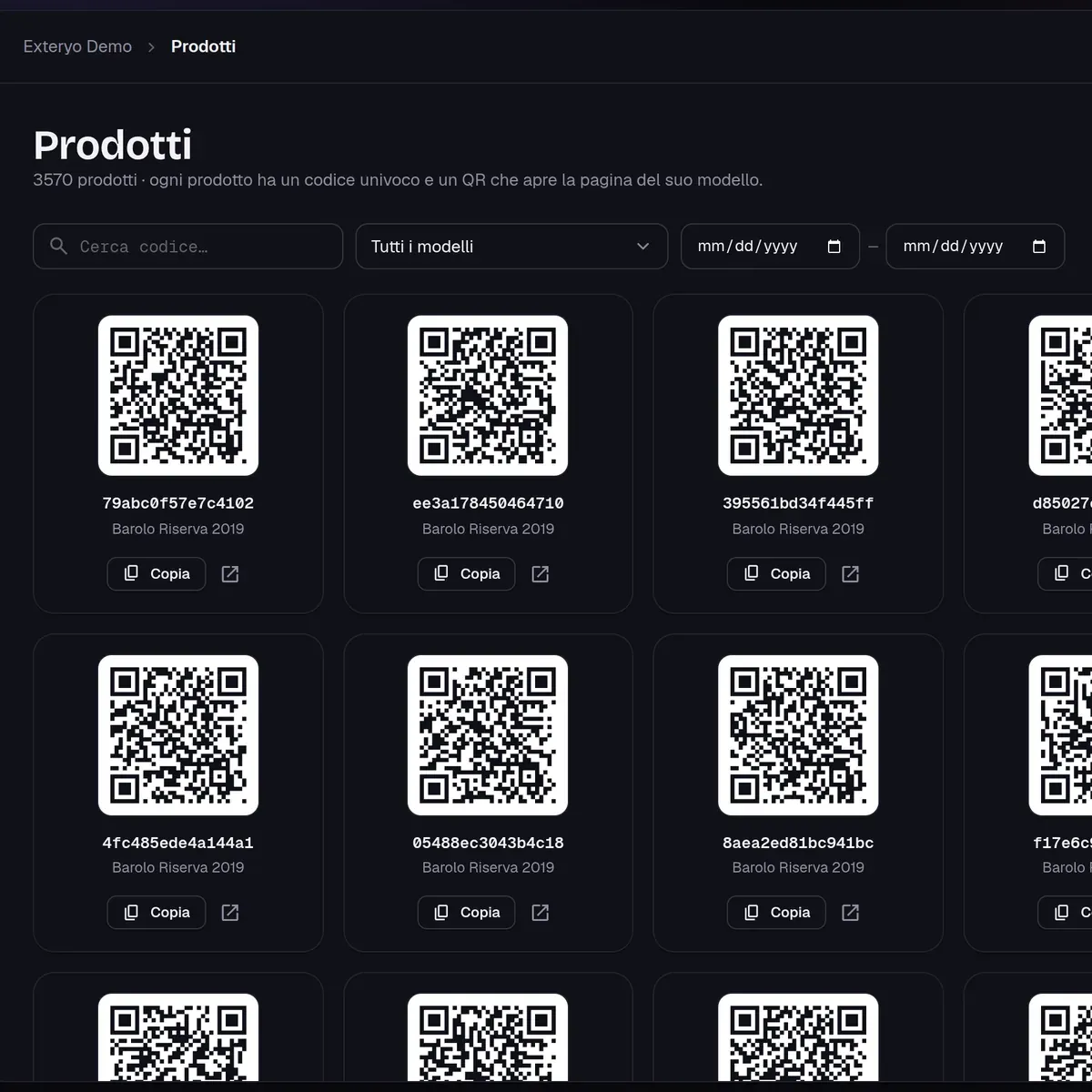
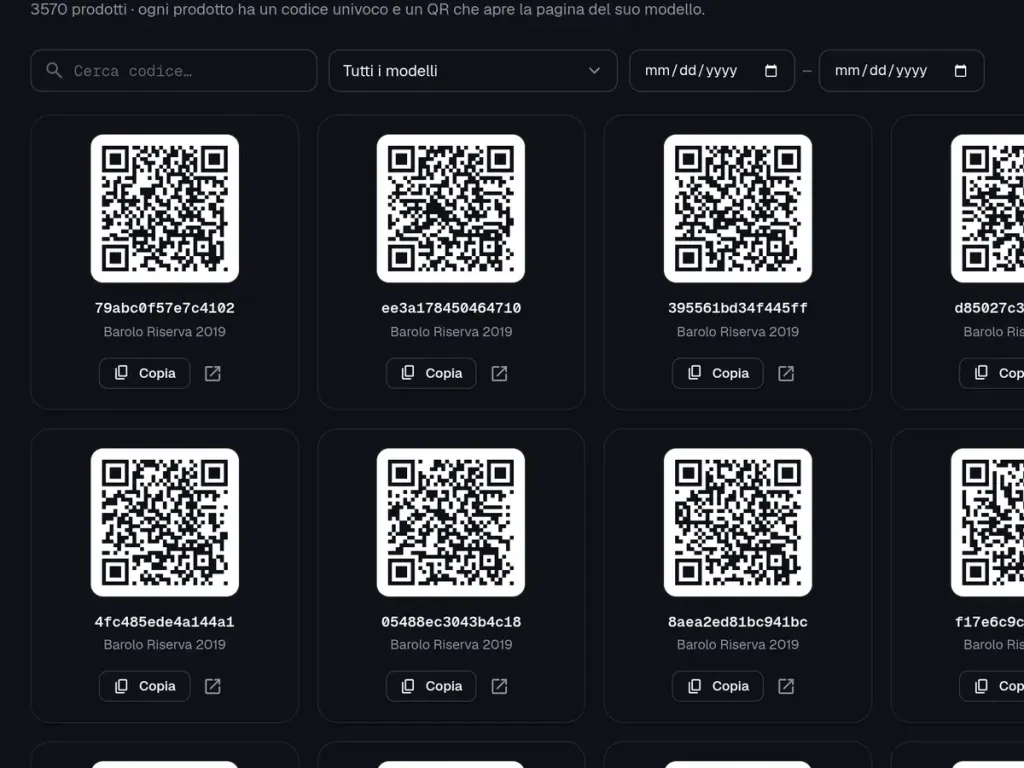
  • Print-ready QR codes
    Print-ready QR codes
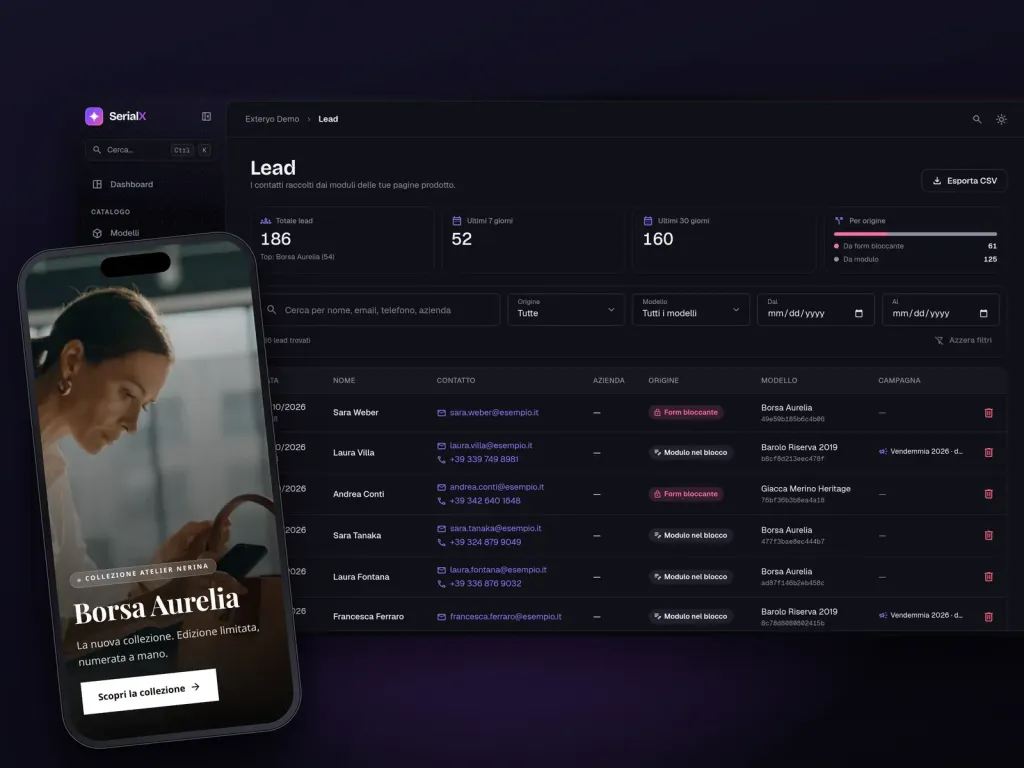
  • Leads manager with filters and CSV export
    Leads manager with filters and CSV export
  • Campaign schedule
    Campaign schedule

How it works

How it works

From model creation to consumer scan in six steps, while keeping full edit control.

  1. 01

    Step 1

    Define the model

    Enter the name, brand, visuals, and overview of the product story.

  2. 02

    Step 2

    Pick a template

    Select from 8 pre-designed layouts or build a customized design from scratch.

  3. 03

    Step 3

    Generate identifiers

    Produce unique codes and print-ready QR files (up to 500 per batch).

  4. 04

    Step 4

    Attach to product

    Apply printed QR codes or NFC tags onto items, packaging, or tags.

  5. 05

    Step 5

    Customer scans

    Camera or NFC tap: the page opens instantly in their native mobile browser.

  6. 06

    Step 6

    Analyze and update

    Track scans, leads, and active campaigns while editing page content on demand.

Fully equipped from day one

Platform capabilities in numbers.

0

block types to build custom layouts

0

ready-to-use customizable templates

0

design themes applicable in one click

0

device previews: mobile, tablet, desktop

0

unique serial codes generated per batch

0

supported interface languages for users

Frequently asked questions

In the field

Case studies with SerialX

Case studies

Get started

Give your products a live digital presence

Let us demonstrate SerialX on your own product lines: see how easy it is to publish pages, track interactions, and run temporal campaigns in a customized demo.

The suite

The other Supply chain apps

Control of production and inspections on individual items and components, with integration between readers and corporate information systems.

Related apps